
West Bengal Social Registry Portal: Unified Citizen Architecture
Comprehensive guide to the official digital repository powering Annapurna Bhandar verification, Swasthya Sathi linkage, and DBT disbursements across all 23 districts.
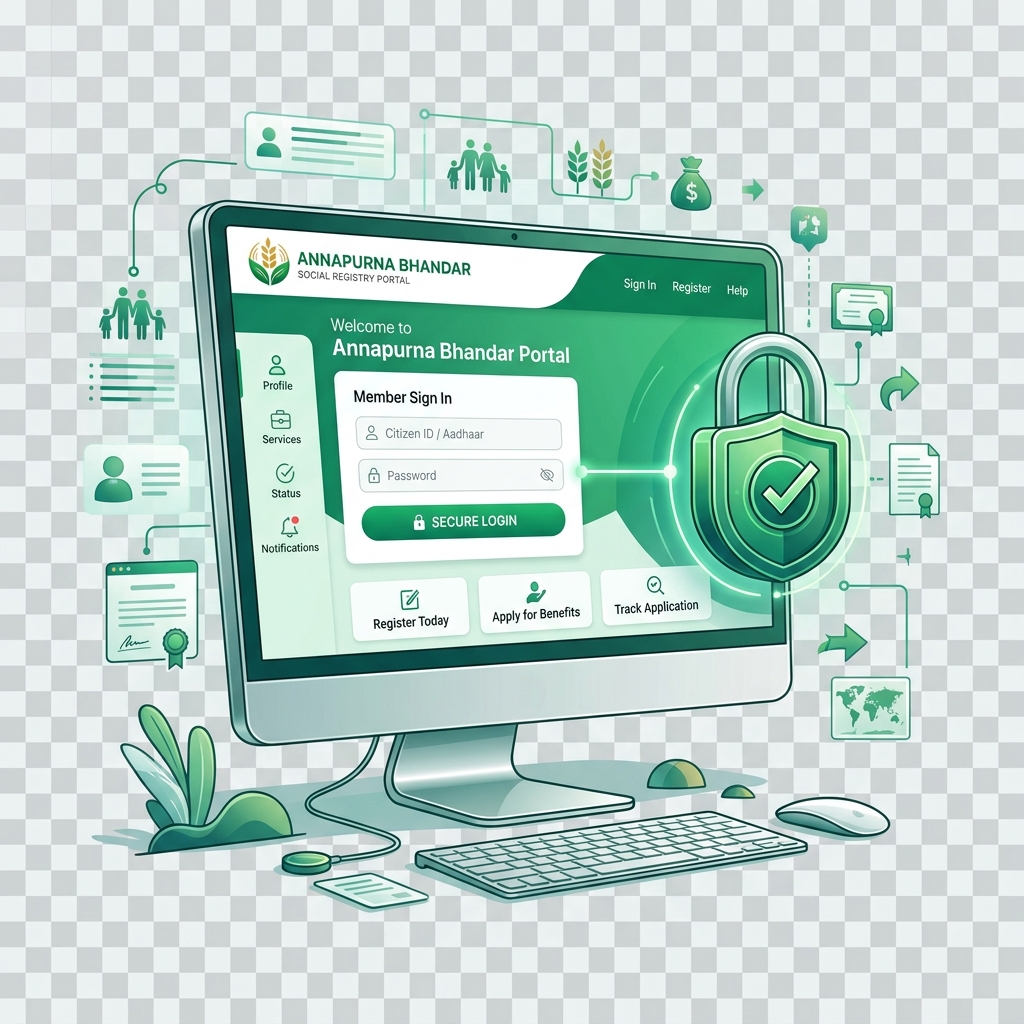
e-Governance
socialregistry.wb.gov.in Direct Integration
Access Official West Bengal Social Registry Portal
Verify your demographic records, review Aadhaar consent logs, inspect household linkages, and ensure your monthly ₹3,000 DBT mandate is active without third-party intermediaries.
Core Pillars of the West Bengal Social Registry Architecture
Unified Household Family Tree
Consolidates individual citizen records into a unified family tree by cross-referencing Swasthya Sathi URN and Digital Ration Cards. This prevents conflicting claims across welfare schemes and establishes clear female head-of-household lineage.
Real-Time UIDAI Aadhaar e-KYC
Direct API integration with UIDAI server clusters allows instantaneous biometric and OTP-based authentication. The platform computes automated demographic phonetic matching scores to filter ghost entries and duplicate enrollments.
Automated NPCI / APBS Routing
Directly connects with the National Payments Corporation of India (NPCI) mapper to verify bank account activity and Aadhaar-DBT mapping before monthly funds are debited from the state treasury clearinghouse.
How to Check Your Annapurna Bhandar Record on WBSocialRegistry
Follow this 5-step procedure to inspect your official citizen profile and verify entitlement disbursement readiness.
Visit the Official Portal
Open your browser and navigate to https://socialregistry.wb.gov.in. Ensure you check for the official government SSL padlock icon before entering identity credentials.
Citizen Login via Mobile OTP
Click on the "Citizen Corner" tab. Enter your 10-digit mobile number linked with Aadhaar or Swasthya Sathi. A 6-digit One-Time Password (OTP) will be dispatched to your phone.
Inspect Household Family Profile
Once logged in, your household dashboard displays all mapped family members, their relationship hierarchy, ration card category (AAY, SPHH, PHH, RKSY), and age. Verify that the adult female applicant is designated as the female head.
Review DBT Bank Mandate & NPCI Seeding
Check the "Payment Mandate" status section. It should display a green badge reading NPCI Seeded: Active with your bank IFSC and masked account number. If it displays red or yellow, follow the bank branch visit protocol.
Download Entitlement Summary Slip
You can download or print your official Social Registry verification slip containing your unique 16-digit Social Registry ID (SRID) for presentation at Duare Sarkar camps or the BDO office if required.
How Citizen Data Is Safeguarded
The West Bengal Social Registry operates in compliance with the Digital Personal Data Protection (DPDP) Act and UIDAI data storage guidelines. Full 12-digit Aadhaar numbers are never stored in plain text; instead, secure tokenized UID references and virtual IDs are utilized across databases.
- End-to-end 256-bit SSL encryption during all data transit.
- Role-based access control (RBAC) restricted to verified gazetted officers.
- Immutable audit logs for every profile access and status change.
Resolving Household Tree Conflicts
If a family member is mistakenly linked to another household, or if marital status updates have separated a joint family, biometric de-linking can be initiated at the local Block Development Office (BDO) with marriage or surrender certificates.
Social Registry Portal FAQs
Everything you need to know about West Bengal Annapurna Bhandar Scheme 2026.
What is the official URL of the West Bengal Social Registry?▾
The official government portal is hosted at https://socialregistry.wb.gov.in.
Do I need to create a citizen login to check my record?▾
You can check basic DBT status using your Aadhaar or Application ID without logging in. Full profile editing and family record updates require an OTP sent to your Aadhaar-registered mobile number.
How does the Social Registry verify family members?▾
The registry links Swasthya Sathi health card family trees with digital Khadya Sathi ration card records to automatically establish family hierarchy and residency.
What should I do if my Aadhaar demographic matching score fails on the portal?▾
If spelling differences between your Aadhaar card and state ration card drop your automated demographic match below 70%, request a manual gazetted officer override at your local BDO office with physical document verification.
Can I update my linked bank account directly on socialregistry.wb.gov.in?▾
Citizens can submit a bank modification request online with a scanned passbook upload. Final approval requires digital counter-signature by the Block Development Officer (BDO) to prevent fraudulent account hijacking.
Is citizen registration on the Social Registry mandatory for Annapurna Bhandar ₹3,000 disbursement?▾
Yes. All welfare disbursements under the ₹3,000 monthly scheme are routed through the state's Social Registry unified beneficiary database to comply with government audit mandates.