
Why Tracking Your Payment Status Matters
Since the first instalment of the Annapurna Bhandar Scheme was released on 3 June 2026, approximately 28.25 lakh women received the ₹3,000 benefit directly in their bank accounts, and a second, much larger tranche followed in July. With close to two crore women expected to receive the benefit, the state's Public Financial Management System (PFMS) processes millions of transfers each month — and inevitably, some payments get delayed, held, or fail at the bank end. Knowing how to check your Annapurna Bhandar payment status online — and understanding what each status message actually means — is the fastest way to protect your monthly ₹3,000 from sitting stuck in a verification queue.
In this guide, we walk you through exactly where and how to track your application and payment status, what every status stage means in plain language, and the concrete fixes for the most common payment failures. Our guidance is based on the official tracker flow published on the West Bengal social security portal and the standard DBT failure patterns we have documented from beneficiary experiences across the state.
The Official Way to Track Your Annapurna Bhandar Status
The Government of West Bengal provides an official "Track Application" feature on the social security portal (accessed via socialregistry.wb.gov.in and the related citizen portal at socialsecurity.wb.gov.in). Tracking is simple and takes less than a minute if you have your reference number ready:
- Open the official portal and select your district from the drop-down list.
- Enter your registered mobile number and request the one-time password (OTP).
- After OTP verification, choose the "Track Application" or application status option.
- Enter your Application Reference Number (issued when you submitted the form, online or offline).
- The system displays your current stage: submitted, under verification, approved, payment initiated, or disbursed — along with any remarks.
The Application Reference Number is the single most important piece of information you will ever need for this scheme. If you applied online, it was shown on your confirmation screen and emailed or messaged to your registered number. If you applied offline at a Janakalyan Shibir camp or BDO office, the camp staff should have given you a stamped acknowledgement slip carrying this number — keep it safe. If you have lost it, your first stop is the BDO office of your block with your Aadhaar card.
Understanding Each Status Stage
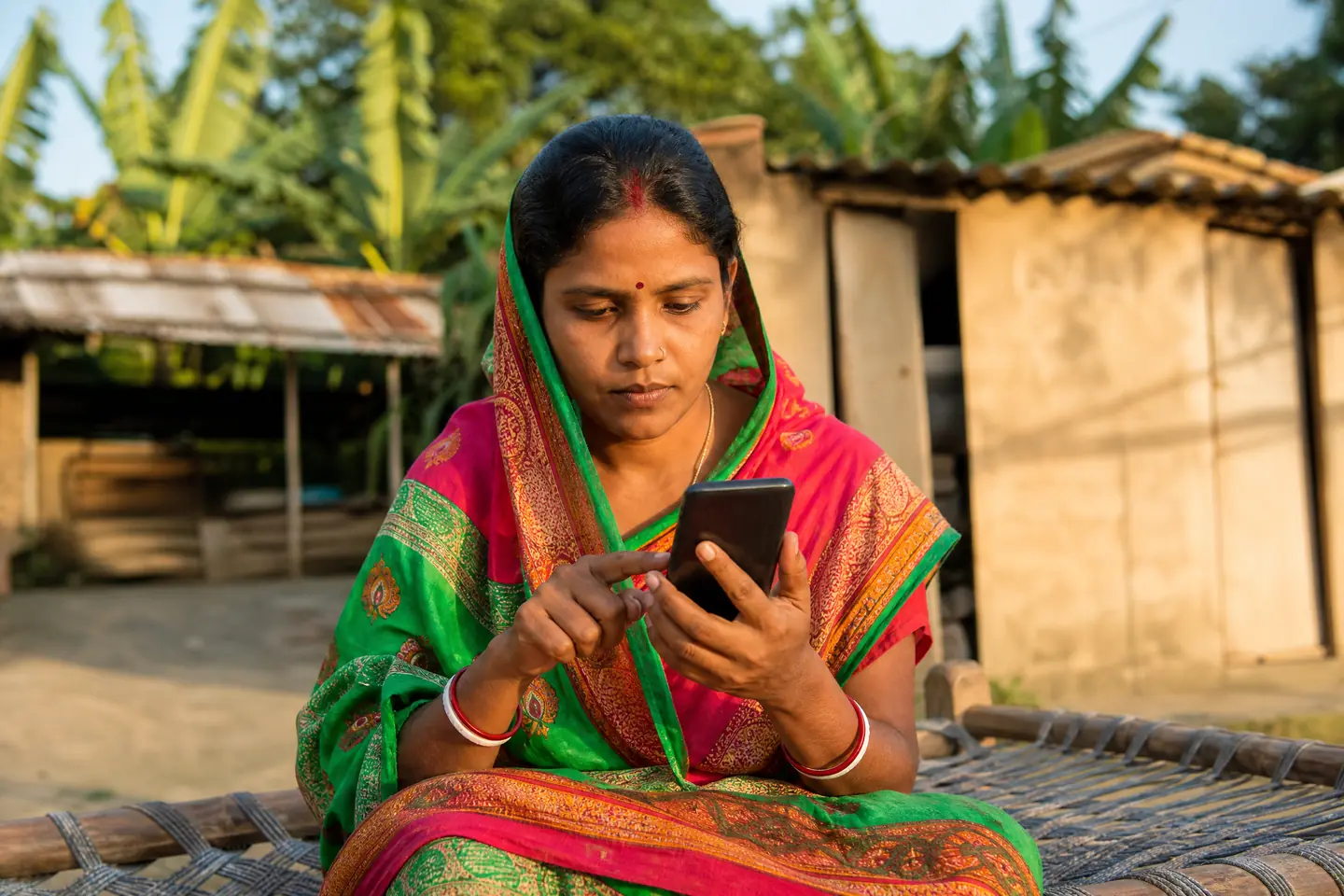
The tracking system moves your application through a defined pipeline, and each stage has a specific meaning for what happens next. Understanding these stages prevents unnecessary panic — and helps you act quickly when a genuine problem exists.
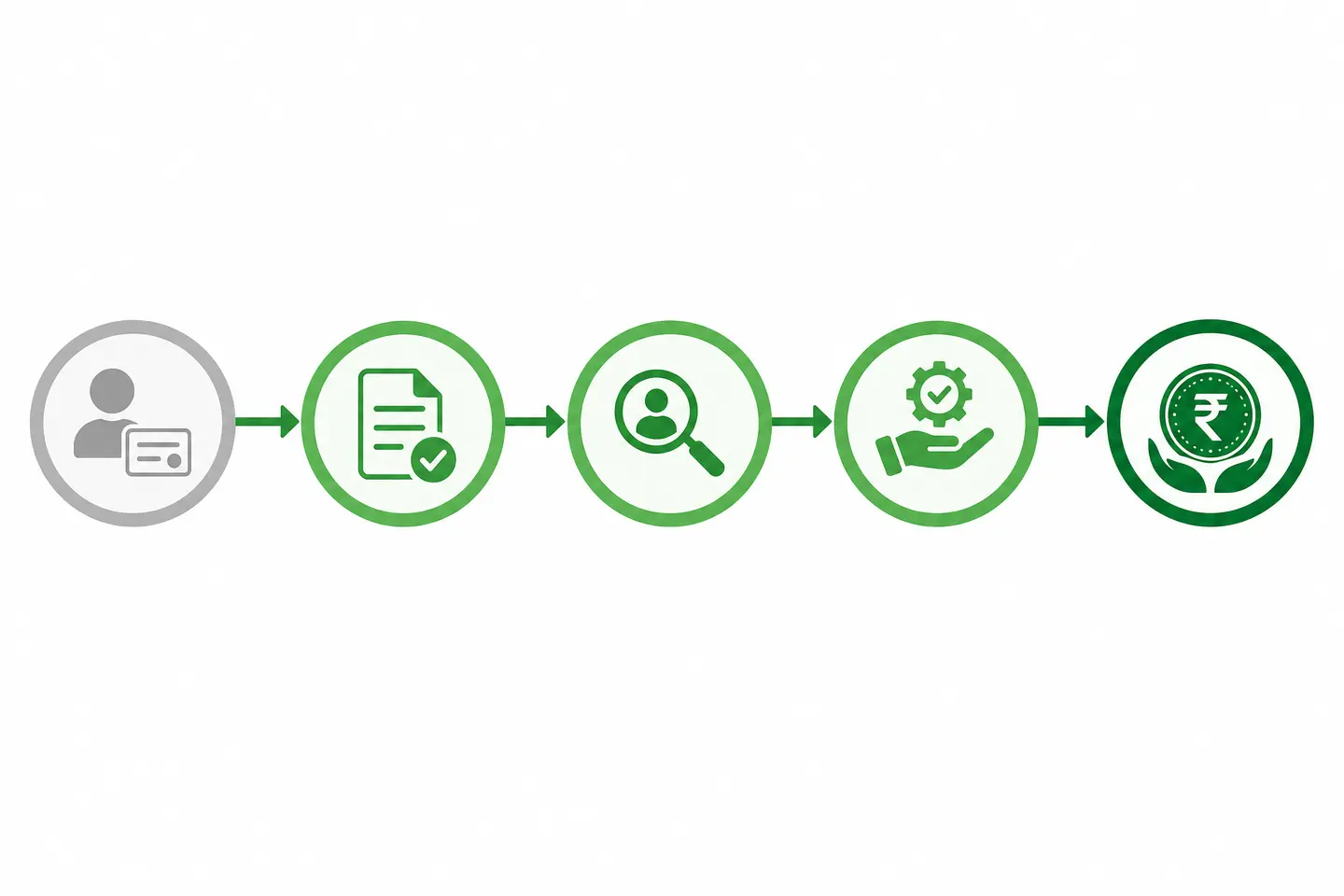
| Status Stage | What It Means | What You Should Do |
|---|---|---|
| Submitted | Your form is received in the system; nothing has been verified yet | Nothing — verification takes time; re-check after 2–4 weeks |
| Under Verification | Gram Panchayat and BDO officers are auditing your details | Be ready to present documents if called for a physical check |
| Approved | You have cleared verification and entered the payment list | Confirm your bank account is active and Aadhaar-seeded |
| Payment Initiated | ₹3,000 has been sent through DBT to your bank | Check your passbook within 3–5 working days |
| Disbursed | Money has reached your account | Verify the ₹3,000 credit; report discrepancies to the bank |
| Payment Failed / Held | The transfer was rejected or held (see fixes below) | Fix the underlying issue, then wait for the next cycle |
How Monthly Payments Are Scheduled
The Annapurna Bhandar payment schedule is predictable once you are approved. The state treasury initiates transfers during the first week of every calendar month, typically between the 1st and the 7th. Because the transfer travels through the PFMS-DBT pipeline, money usually reaches your account within three to five working days of initiation. Payments are monthly and continuous — there is no need to reapply each month. Our dedicated Annapurna Bhandar Payment Date page carries the full disbursement calendar and what happened in the June and July cycles.
Fixing the Most Common Payment Failures
When a payment fails, it is almost never a rejection of your eligibility — it is a data or banking mismatch. Here are the four causes we see most often, and exactly how to fix each one:
1. Aadhaar not seeded with your bank account. DBT payments cannot land in an account that is not linked to your Aadhaar. Visit your bank branch with your Aadhaar card and passbook and ask for "Aadhaar seeding for DBT". Most branches complete it on the spot, and the link activates within a few days.
2. Dormant or inactive bank account. Accounts with no transactions for many months are marked dormant and silently reject incoming transfers. A single deposit or withdrawal reactivates the account — but the failed payment will not retry automatically, so report it at the branch and confirm with your BDO office.
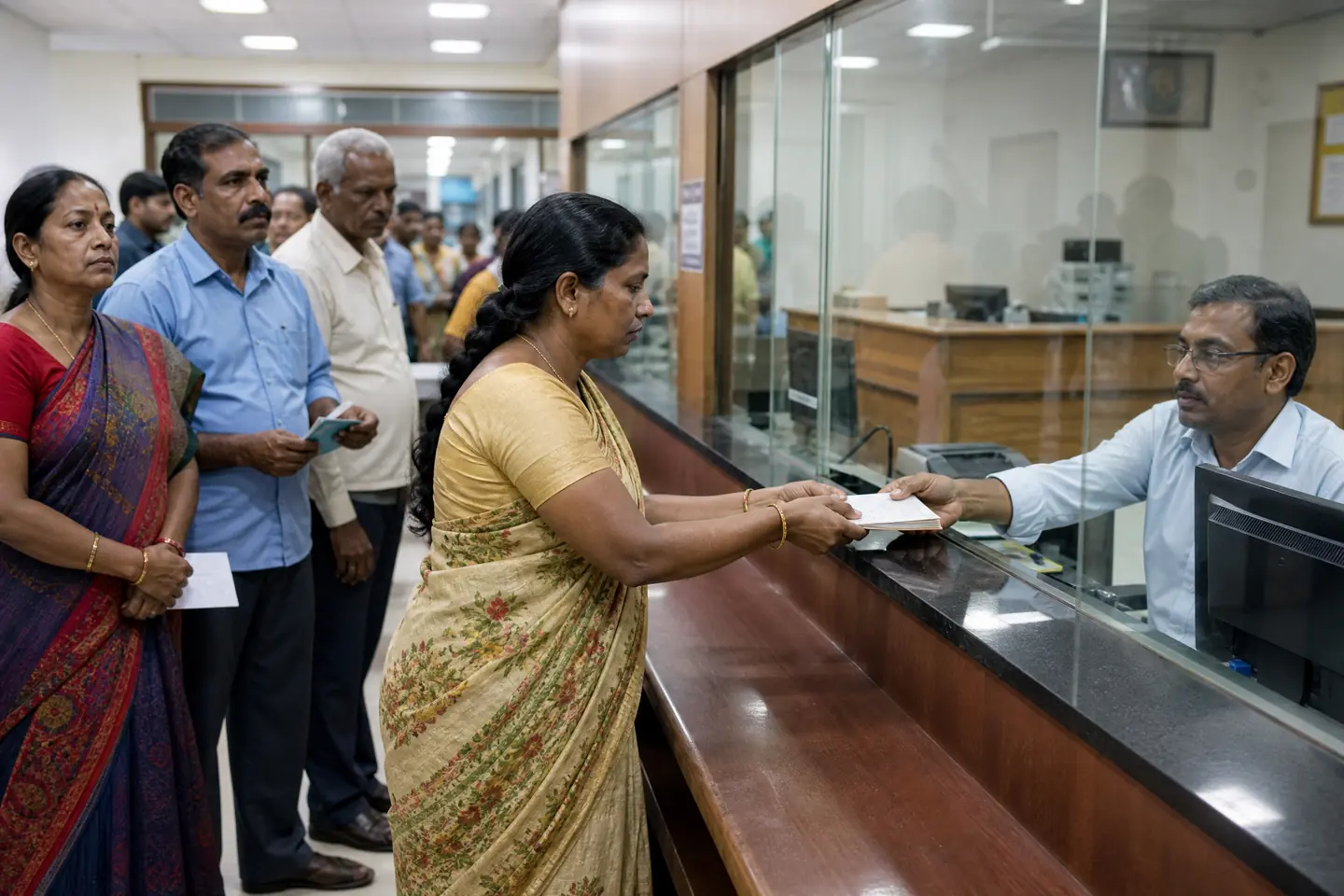
3. Name mismatch between Aadhaar and bank records. Even a single spelling difference can block a transfer. Ask your bank to update the account name to exactly match your Aadhaar spelling, then inform the BDO office so the corrected name flows through the next payment cycle.
4. NPCI mapping missing. This is the backend linkage that allows banks to route DBT payments to the correct Aadhaar. If seeding is done but payments still fail, ask the bank specifically to verify "NPCI mapper mapping" for your Aadhaar — a two-minute check that resolves many stubborn failures.
What to Do If Money Doesn't Arrive After the Initiation Date
Follow this escalation path, in order, rather than waiting indefinitely. First, confirm in your passbook (or UPI/banking app) that no credit arrived between the 1st and the 7th — sometimes small SMS alerts are simply not delivered. Second, check the official portal's tracker to see whether your status shows "Payment Failed" with a remark. Third, visit your bank branch with your Aadhaar and passbook to diagnose seeding, dormancy, or name issues. Fourth, take the diagnosis to your BDO office or Gram Panchayat so the correction reaches the verification record before the next cycle. Finally, for questions you cannot resolve locally, call the West Bengal government's toll-free helpline 1967. Document every step with the officer's name and date — it makes follow-up dramatically faster.
Frequently Asked Questions
Can I check my Annapurna Bhandar status without a phone number?
The online tracker requires OTP verification on your registered mobile. If your registered number is no longer active, the offline route is your bank passbook history plus a visit to the BDO office with your reference number and Aadhaar.
How do I know if my ₹3,000 payment was successful?
The tracker will show "Disbursed" and your bank passbook or app will show a ₹3,000 credit from the state treasury. Note the transaction reference in case you ever need to raise a dispute.
Will a failed payment be paid later?
Once the underlying issue is fixed and reflected in your records, the pending amount is typically released in the next monthly cycle. Always confirm the release with your BDO office rather than assuming it happens automatically.
Key Takeaways
Tracking your Annapurna Bhandar payment status is a two-minute task that protects a ₹36,000-per-year benefit. Keep your Application Reference Number safe, check the official tracker after each payment cycle, and act immediately on any "Payment Failed" status — most failures are fixed at the bank level within a single visit. Stay one step ahead of the schedule, and your ₹3,000 monthly benefit will continue to arrive reliably in the first week of every month.